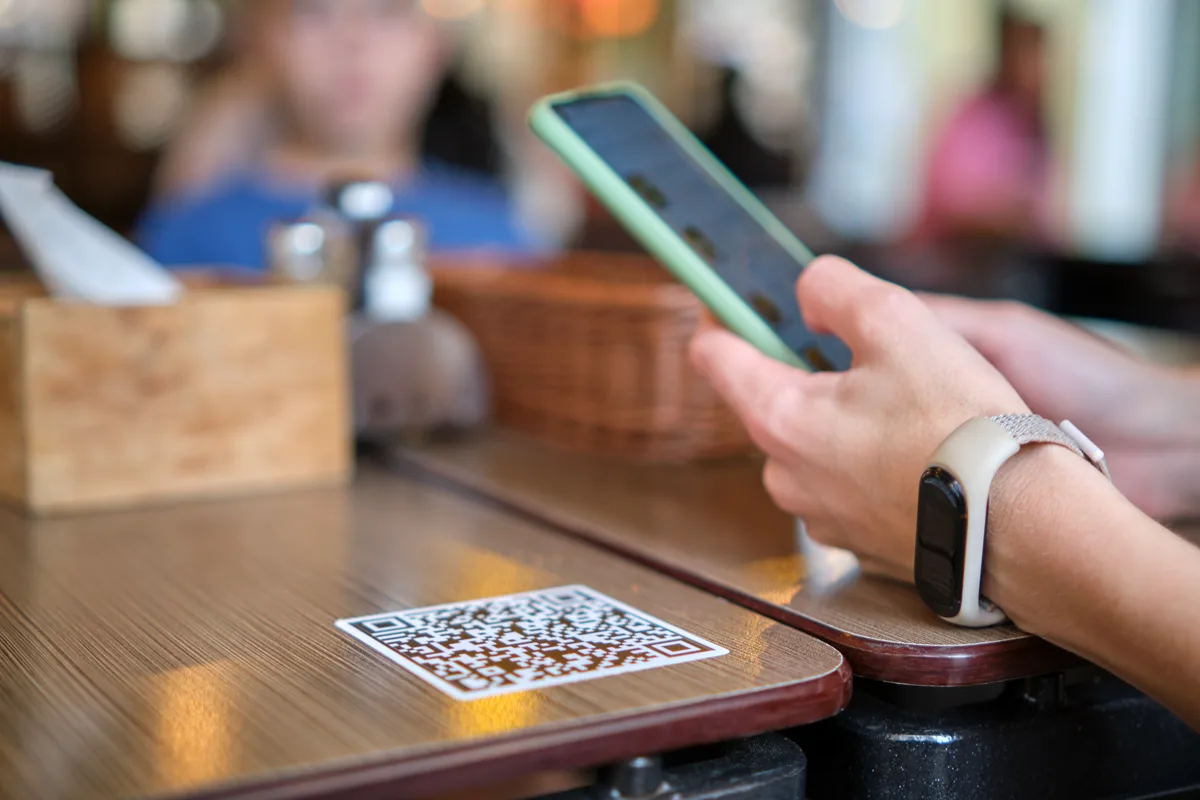
Mobile-friendly QR menu
Designed flawlessly for any device, ensuring your menu looks spectacular in the hands of every guest.
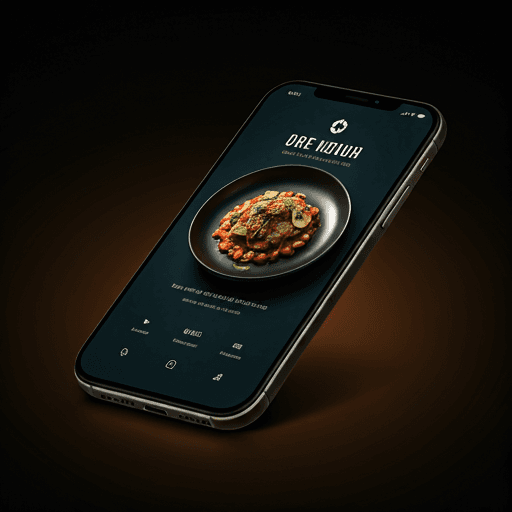
Add up to five items free, print a table-ready QR code, and update prices without reprinting. Guests open it in their browser — no app required.
No credit card · No trial expiry · Set up in 5 minutes
Explore restaurant and café use cases, or read practical guides before you choose how to publish your menu.
A practical guide to creating, publishing, and updating a QR menu.
Fast table access, organized categories, and easy updates.
A flexible digital menu for products and prices that change often.
Setup, pricing, printing, PDF comparison, and multilingual resources.
Built for Restaurants
Designed flawlessly for any device, ensuring your menu looks spectacular in the hands of every guest.
Update dishes, prices, and availability instantly.
Track views and popular items with precision.
Connect your guests directly to your Instagram, reservations, and reviews right from the menu.
Live in three steps
From print to live QR menu in three effortless steps. No technical knowledge required.
Type or paste your menu items. Qenvario organises them into categories with prices and photos.
Print table cards and posters. Share your menu link on Instagram, WhatsApp, and Google.
See how many people view your menu, which items get clicked, and where visitors come from.
No credit card and no trial expiry. Pro checkout is handled securely by Paddle.
Build your full QR menu and publish your public page — free forever.
or $29/year ($2.42/month)
Unlimited items and premium controls for a full business menu.
FAQ
Everything you need to know about Qenvario and QR menus for your restaurant.
Set up your digital menu in minutes. Free plan available, no credit card required.
Start Free